


Introduction to AndroRat APK
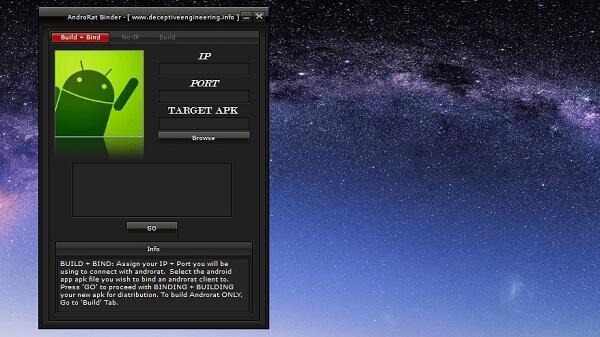
AndroRat is a mobile utility tool crafted for Android devices, built with a strong focus on remote access, data control, and device management. It’s not a casual app you’d find floating around in gaming circles or lifestyle categories—this one leans more toward the technical side, aimed at users curious about how their Android devices can be analyzed, managed, or even audited from afar. Originally developed as a research tool in the cybersecurity world, it now finds use among testers, educators, and users who want to better understand their phone’s hidden layers.
Designed with multitasking in mind, AndroRat brings an entire control panel straight to your fingertips. This app doesn’t just skim the surface of your device’s functions—it goes deep. We’re talking SMS logs, call records, contact info, GPS location, media access, and more. If it’s stored on your phone, AndroRat has a way to access it, analyze it, or remotely control it.
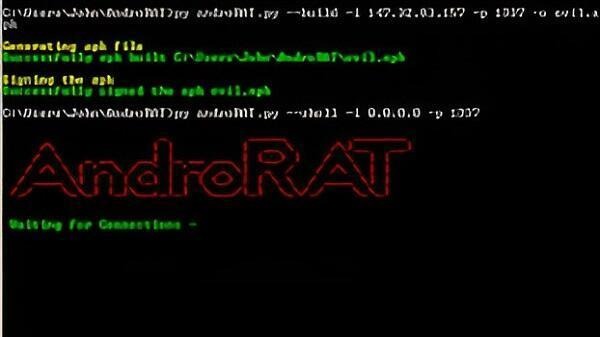
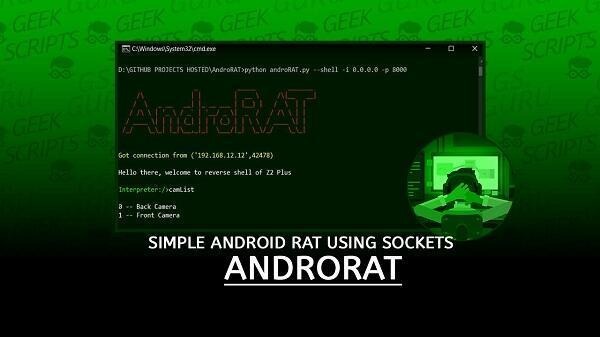
This tool works on the principle of connection between a client (the Android device) and a server (usually a user-controlled interface). Through this setup, the user can track activity, manage files, and even operate the phone camera—all from a distance. It’s especially popular among users who work in mobile security testing or anyone who wants tighter control over how a device behaves in certain conditions.
Now, let’s be clear—this isn’t an app to mess around with randomly. AndroRat can reveal sensitive areas of device operation, and that’s why responsible use is crucial. Consent, legality, and purpose matter here. The real value of AndroRat shines when it's used for educational testing, ethical security assessments, or managing devices in corporate settings.
A huge part of its appeal is the remote access feature. Once a device is paired, the user can run checks on calls, read or send messages, grab contact details, and pull media files. It’s even capable of sending instructions to the camera to snap photos or record videos without user interaction on the device itself. This is powerful stuff, but again—it all circles back to ethical use.
What also makes this app a go-to for tech-savvy users is its interface. The UI is simple, dark-themed for efficiency, and structured in a way that doesn’t require much time to learn. There’s a slight learning curve when it comes to configuring the server-client relationship, but once you’re in, navigation is intuitive and smooth.
And for those who love data (and who doesn’t these days?), AndroRat logs everything in encrypted form, giving peace of mind to testers who don’t want sensitive info floating around. You also get the bonus of being able to manage more than one device from the same interface. Whether it’s phones used in a business or different devices for research, it’s got multi-device management baked in.
In a world where mobile security and control tools are either too simplistic or too aggressive, AndroRat finds a strange but effective balance. It’s powerful, precise, and if you know what you’re doing—it’s like having a full control station for your Android, no cables or root access needed.
FAQs AndroRat
What is AndroRat?
+
AndroRat is a remote access tool designed for Android phones, allowing users to manage, monitor, and test various aspects of their device remotely.
Is it legal to use AndroRat on any phone?
+
No. You must have permission from the phone owner. Using it without consent may violate privacy laws depending on your country.
Can AndroRat recover deleted messages and files?
+
Yes, it includes features for retrieving lost or deleted data from the device’s storage, if the information hasn't been overwritten.
Do I need to root my device to use AndroRat?
+
No rooting is required. AndroRat operates using a client-server model and can be used on standard Android devices with proper setup.
Who should consider using AndroRat APK?
+
It's mainly for developers, cybersecurity learners, IT admins, and users testing device security—not for everyday use or casual users.
Discover More Interesting Apps
-

Game Booster 4x Faster Pro
v6.2.8
10.00 Mb
Updated -
TunnelBear VPN
v5.0.8
20.00 Mb
Updated -
Mod
The Ick
v0.4.13
31.76 Mb
Updated -
Mod
Prisma 3D
v3.3.7
99.52 Mb
Updated -
Mod
Ad Blocker
v7.6.9
39.00 Mb
Updated -
Mod
PigeonCast
v3.6.6
63.23 Mb
Updated -
OpenClaw
v2.1.570
1.23 Gb
Updated -
Mod
Proton VPN
v5.20.39.0
72.00 Mb
Updated -
Mod
Zero Cleaner
v26.9.1
8.09 Mb
Updated -
H4X Macro Game Booster Pro
v3.6.8
11.00 Mb
Updated










Share Your Thoughts